Resolve access before writing a shot list
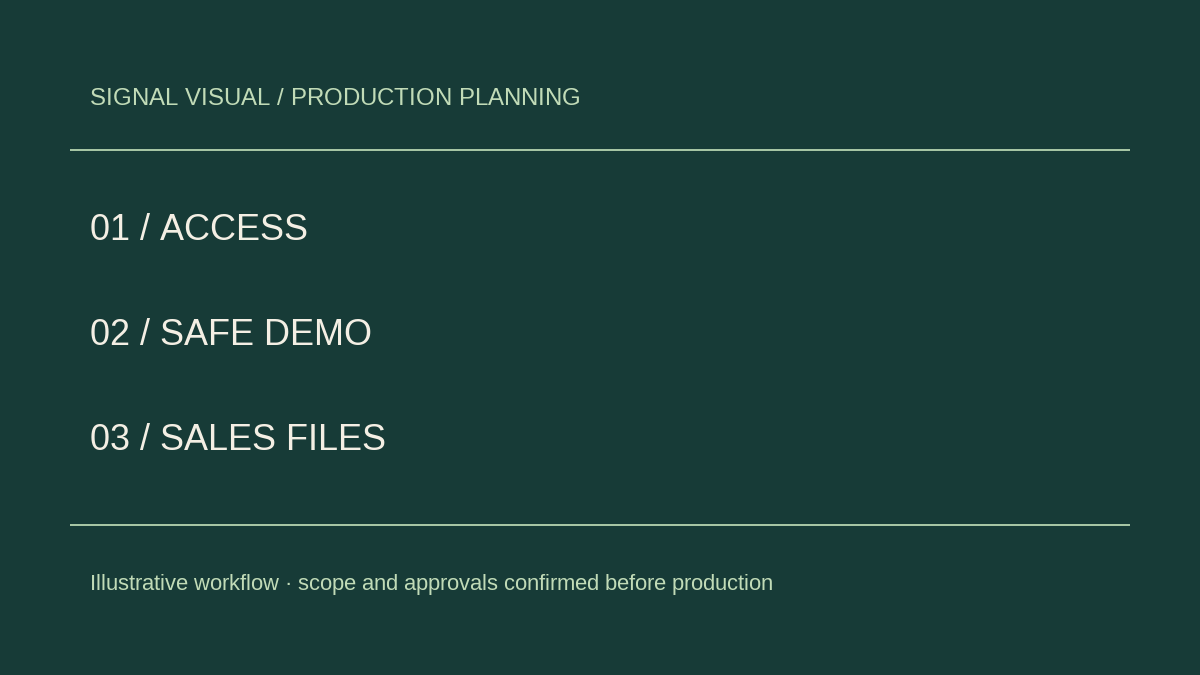
A crew can arrive on time and still miss the only quiet booth window if its entry arrangements are incomplete. Name the person on your team who will confirm credentials, load-in rules and permitted camera areas with the organizer. Include that person in the production brief. Do not send the crew only a booth number and a public event registration link.
Keep the organizer facts separate from your plan
As checked November 25, 2026, the official Legalweek exhibit-hall page lists March 1–3, 2027 at North Javits Center. That verifies the published event setting, not your production access, booth staffing times or recording rights. Record each of those as a separate item requiring confirmation. Recheck the official event information before finalizing travel or crew commitments.
Use a four-part access brief
Part one: event, booth identifier, on-site contact and permitted arrival window. Part two: who arranges credentials and what equipment or venue requirements apply. Part three: approved camera areas and spaces that are excluded. Part four: fallback meeting point and the person authorized to change priorities if access is delayed. Keep sensitive credentials out of public shot lists and shared marketing folders.
Create a demo that can safely be filmed
Prepare an approved environment containing only material the client has cleared for capture. Disable unrelated pop-ups and verify the visible screens before each planned take. Mark which portions need a screen recording, a contextual camera shot or no recording at all. Do not rely on a later blur to solve an avoidable exposure during filming. The product owner should review screenshots of the intended states in advance.
Separate demos, conversations and testimonials
A product specialist presenting to camera follows a planned brief. A spontaneous booth conversation has different expectations. A customer testimonial requires its own agreement and factual review. Put these into separate rows so a camera operator is not asked to convert a private discussion into a public endorsement. When a scheduled interview falls through, capture approved product or team material instead.
Build a practical sequence for a noisy floor
Illustrative plan: clean booth stills during a permitted low-traffic window; a prepared demonstration with the product specialist; a short spokesperson interview in an approved quieter location; contextual booth coverage afterward. The crew should check sound before committing to an interview location. Do not schedule the same person for a sales meeting and an interview at the same time.
Define the follow-up folder before the show
List each requested output and its owner: booth stills for the event recap, a reviewed demo clip for sales, and an approved spokesperson excerpt for a company post. Agree captions, crops, usage and delivery windows. Keep client-sensitive material out of general partner folders. A completed upload is not acceptance: the designated reviewer must check screens, names, claims and final versions before distribution.
End of essay · J—482
Get a tailored scope