Prevent the wrong slide from surviving the edit
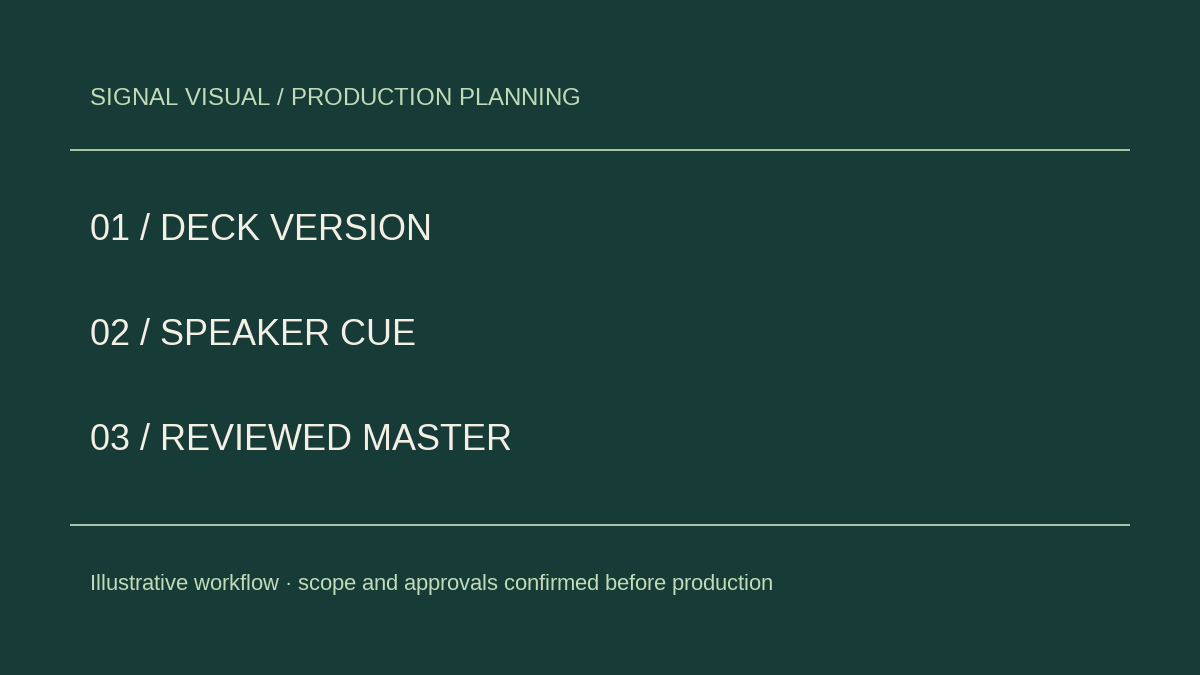
The most expensive presentation error is often a mismatch: the speaker describes one version while the audience sees another. A cue sheet connects the spoken explanation, the approved slide and the intended edit. Build it before recording so corrections have a clear home instead of becoming a chain of ambiguous comments.
Give slides stable identifiers
Use identifiers such as W01, W02 and W03 in the working brief, alongside the actual slide number. Save the approved deck with a version date. If a new slide is inserted, the stable identifier still points to the intended material. Keep a change log that says whether each revision affects appearance, spoken facts or the structure of the talk.
Record seven fields for each segment
Write the segment ID, deck version, slide ID, opening spoken cue, visual treatment, intended ending and review owner. Add a pickup note when needed. The opening cue should be a few recognizable words, not a timestamp that will change during editing. The ending should identify a complete thought where the presenter can stop and restart naturally.
Try a filled example
Illustrative segment W03 uses deck version 2026-11-25 and slide S08. Opening cue: the next diagram shows the handoff. Visual treatment: slide full-screen while the presenter explains the arrows, then presenter on camera for the decision. Ending: finish the sentence naming the responsible team. Review owner: product education lead. Pickup note: replace the entire explanation if the arrow direction changes. This makes the edit decision explicit without prescribing a particular recording tool.
Test the most demanding slide first
Before recording the full presentation, capture a short sample with the densest diagram and a normal speaking passage. Review it at the intended player size. Check whether labels are readable, the speaker is audible and the visual sequence matches the explanation. Informa’s speaker preparation guide also recommends rehearsing and testing presentation material before recording. A useful test should cause a decision: simplify the slide, change the treatment or proceed.
Choose pickups by meaning, not by slide count
A corrected typo may only need a new visual. A changed number, claim or process step can require a new spoken passage and review of adjacent sentences. Record a complete replacement thought with a brief pause before and after it. Avoid assembling tiny fragments that make the explanation harder to follow. Log which take supersedes the earlier one.
Assign three separate acceptance checks
The content owner checks facts, names and consistency with the approved deck. The production reviewer checks the edit, audio, slide timing and any caption deliverable. The platform owner tests the agreed file in the destination player and owns upload or scheduling. One person may hold multiple roles, but the checks should remain explicit. Do not mark the master accepted simply because the file opens.
Know when a lighter approach is enough
For a short internal update with simple slides, a careful self-recording may meet the need. Production support becomes more useful when presenter capture, complex visuals, several reviewers and a fixed release plan must be coordinated. Send the cue sheet, deck, intended runtime and destination requirements when requesting a scope; those details make estimates comparable.
End of essay · J—483
Get a tailored scope