Begin with the missing page
List where the firm uses a placeholder: partner biographies, proposal team pages, careers sections or practice introductions. Each suggests a different picture. A wide studio image can introduce the team, but cannot replace an individual portrait in a small biography card. Decide the destination before allocating shoot time. Bring actual layout examples so the photographer can see the crop and hierarchy.
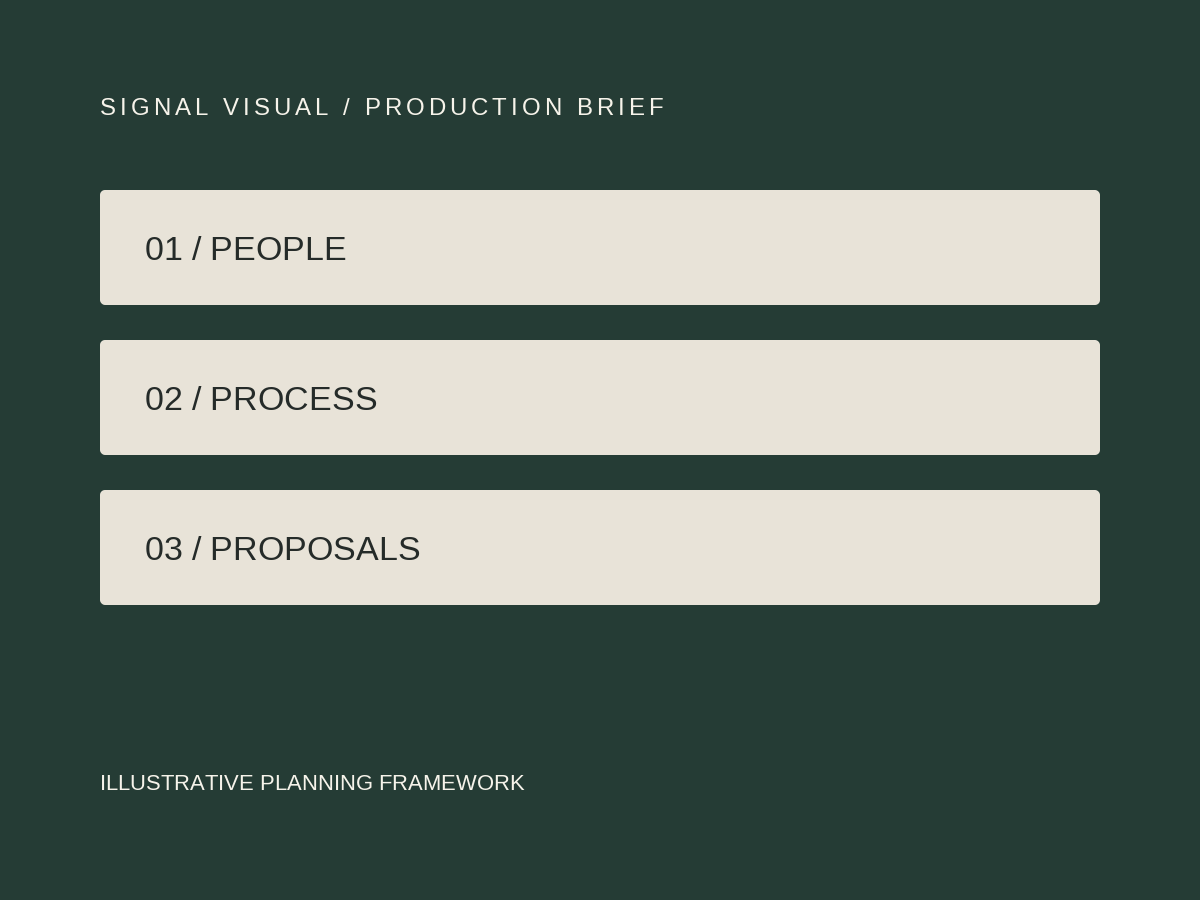
Create three lanes
People: partners, leads and staff who need named profiles. Process: an approved review, material discussion or model-making activity. Context: the workspace and details that explain the practice. Give each proposed frame an owner and destination. Remove frames that exist only because they resemble a generic creative office. This makes the list shorter and lets the crew spend time on the images the firm will actually use.
Worked example: a proposal refresh
Imagine a proposal with two named leads and a collaboration page. The list might include a consistent portrait of each lead, a horizontal discussion image with space for a heading and a close view of cleared materials. This is a planning example. It does not require pretending the team is working on the prospective client’s project or presenting a staged meeting as documentary proof.
Clear the background first
Walk through the room with the person responsible for project permissions. Check pin-up walls, sample labels, screens, notebooks and model bases. Replace restricted material with approved examples or choose another angle. Record the material, permission owner, approved distribution and restrictions. Production approval does not replace any contractual permission the firm needs. Resolve these questions before booking participants into the room.
Protect working time
Do not schedule a sensitive design review because it looks photogenic. Use an activity the team can share, or arrange an explicitly illustrative review with cleared materials. Set a start and finish time and keep the participant list manageable. Schedule partner portraits in appointment blocks with a buffer for client calls instead of repeatedly stopping the group activity.
Specify the crop
Record orientation, expected aspect ratio and whether text will overlay each image. A website hero may need negative space; a proposal grid may need matching head sizes. Ask the designer for the actual layout before the shoot. A slightly wider option can help, but cannot recover a person cropped out of the original frame. Include both the required crop and an alternative in the brief when needed.
Review more than expression
Check names and roles, visible project information, screen content and whether the image implies a claim the firm cannot support. Separate creative selection from clearance: the most attractive frame may not be approved for public use. Keep a record of final approved files so a later website update does not accidentally use an earlier restricted proof.
Handoff a findable library
Use file names describing person, activity and crop without exposing confidential project names. Separate portrait masters, website crops and proposal selections. Include approved usage scope and a contact for questions. If a team member changes role or leaves, review the related placements. A good visual library also needs an owner who keeps its people information accurate.
End of essay · J—462
Get a tailored scope